
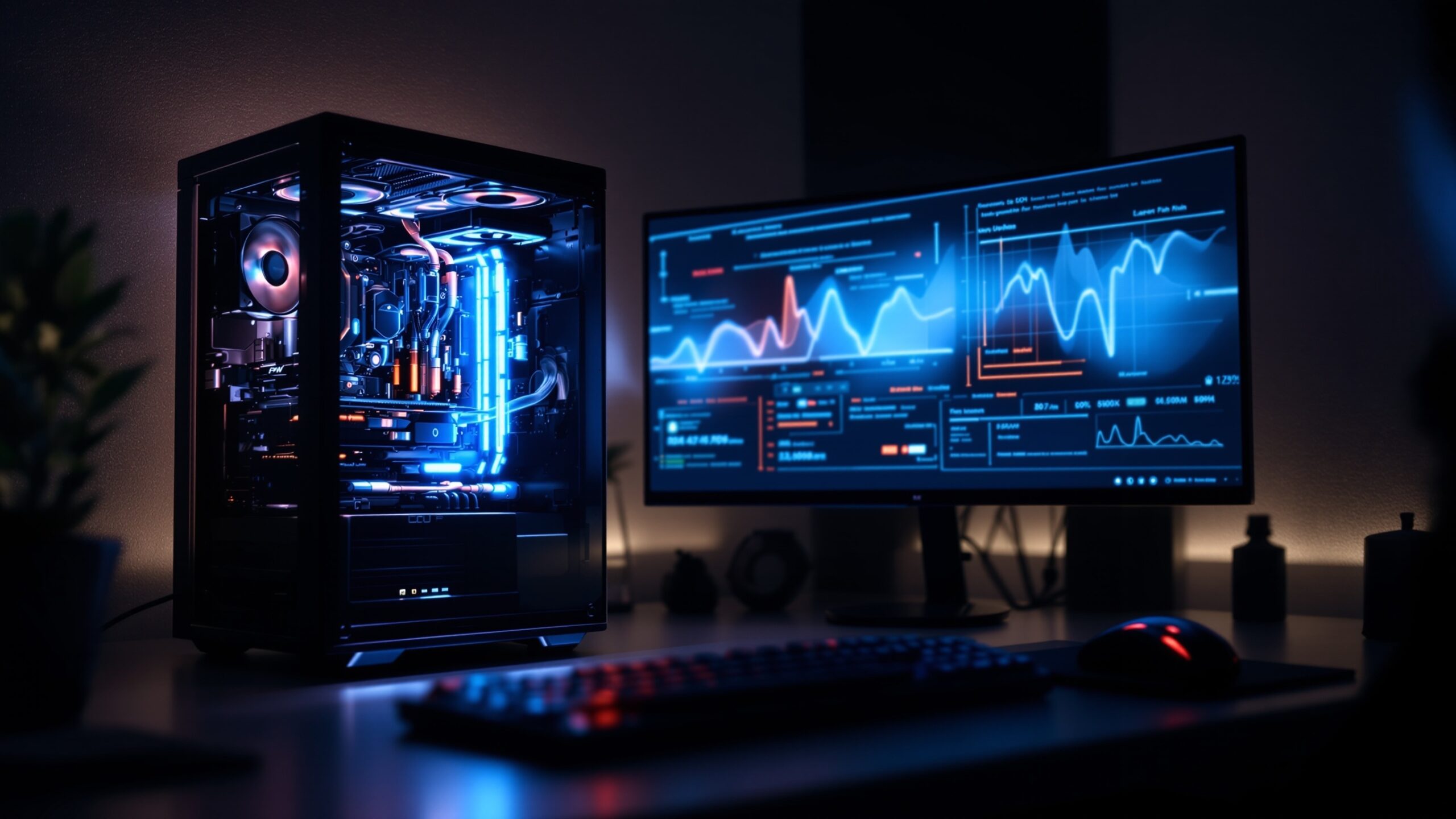
Performance Optimization is where every frame, millisecond, and setting matters. This category is dedicated to getting the absolute best performance from your gaming setup — whether you’re chasing higher frame rates, smoother gameplay, faster load times, or rock-solid system stability. Dive into practical guides that break down graphics settings, hardware tuning, driver updates, cooling strategies, and system tweaks that can dramatically improve how your games run. From optimizing PCs and consoles to fine-tuning network performance and reducing input lag, this space helps you understand how software and hardware work together under the hood. Whether you’re a competitive player looking for an edge, a creator balancing performance with visual quality, or a casual gamer wanting smoother sessions, Performance Optimization delivers clear, actionable insights. You’ll find comparisons, step-by-step walkthroughs, troubleshooting tips, and explanations that cut through technical jargon. At LevelUp Streets, Performance Optimization isn’t about chasing numbers alone — it’s about unlocking a faster, more responsive, and more enjoyable gaming experience that lets your skills shine without your system holding you back.
A: Check frame times, 1% lows, and background processes.
A: Shadows, volumetrics, ray tracing, and resolution scaling.
A: Yes when done carefully—often improves temps and stability.
A: Often yes—capping can reduce stutter, heat, and input variance.
A: Only if you were running out—speed and latency matter more.
A: New patches can change engine behavior or add features.
A: Depends on resolution and game type—identify your bottleneck.
A: Mostly—but avoid extreme registry or BIOS tweaks.
A: Sometimes—good tuning can extend a system’s lifespan.
A: Chasing max FPS instead of smooth, consistent gameplay.