
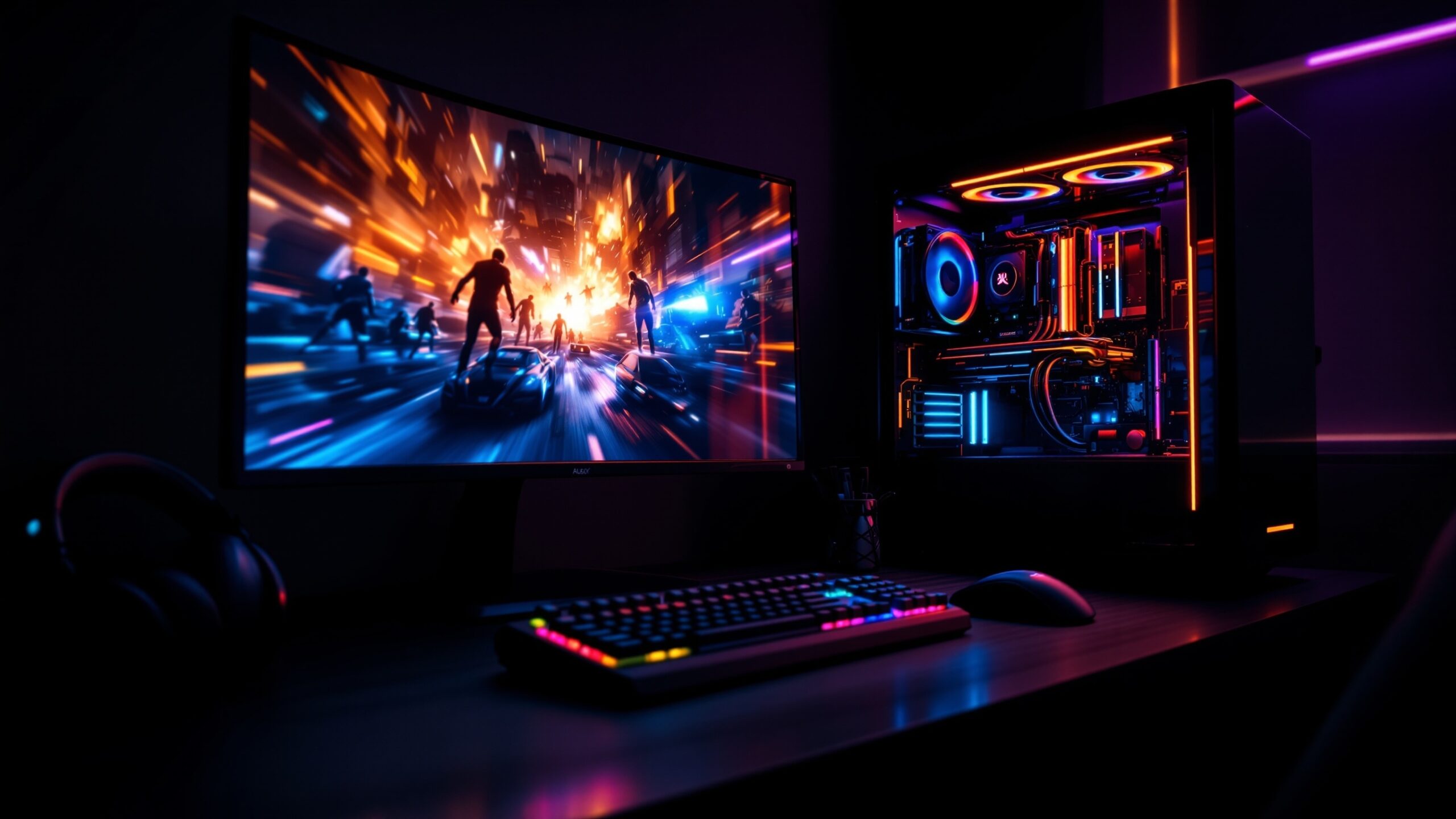
Gaming PCs & Components is where raw power meets personal style, and every build tells a story of performance, passion, and play. This space is dedicated to the machines behind the magic — from lightning-fast processors and next-gen graphics cards to meticulously chosen motherboards, cooling systems, storage, and custom cases. Whether you’re chasing ultra-high frame rates, building a compact battlestation, or planning a future-proof upgrade path, this category breaks down the tech that fuels modern gaming. Explore deep dives into GPUs and CPUs, practical build guides, performance comparisons, optimization tips, and the latest hardware trends shaping the PC gaming world. You’ll find insights for first-time builders, seasoned enthusiasts, and competitive players who demand every last ounce of performance. At LevelUp Streets, Gaming PCs & Components isn’t just about specs on a box — it’s about understanding how each part works together to create smoother gameplay, faster load times, and a setup that truly levels up your gaming experience.
A: If you’re at 1440p/4K, usually GPU first. If you play high-FPS esports at 1080p, CPU can matter more.
A: 16GB is a strong baseline; 32GB helps for streaming, heavy multitasking, and modded games.
A: SSD for modern titles—faster loads and fewer texture/pop-in issues. HDD is fine for older/light games and storage.
A: Match your monitor: 60Hz (60 FPS), 144Hz (aim 120–144), 240Hz (competitive). Consistency matters most.
A: Not required. A quality air cooler can be quiet and powerful; liquid can help aesthetics and peak thermals.
A: Check 1% lows, temps (throttling), drivers, background apps, and whether the game is compiling shaders.
A: Use a calculator, then add headroom for spikes and upgrades. Quality matters as much as wattage.
A: Shadows, volumetrics, and ray tracing are heavy. Upscaling (DLSS/FSR/XeSS) is often the biggest win.
A: Usually small gains. Undervolting and good cooling often give a better noise/heat/performance balance.
A: Pick your target resolution + refresh rate first, then choose CPU/GPU to match that goal without overspending.